
Augment your artwork, product, brand, exhibition, classroom or book
See your creations come to life. Your first Augmented Reality project takes two minutes, no code.


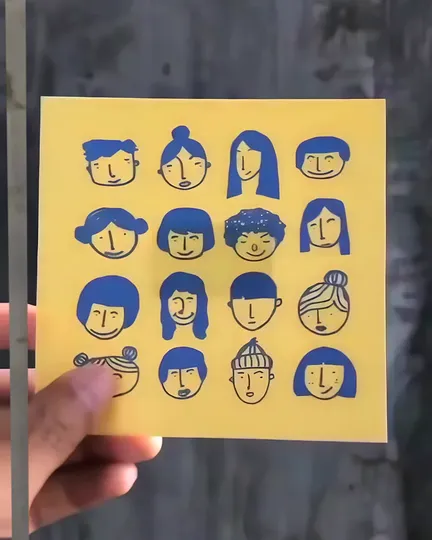
Real case: Art We Are Daily, ink drawings
Trusted by 750k+ creators in 190 countries













Try it now
Point your phone hereSee a print come to life
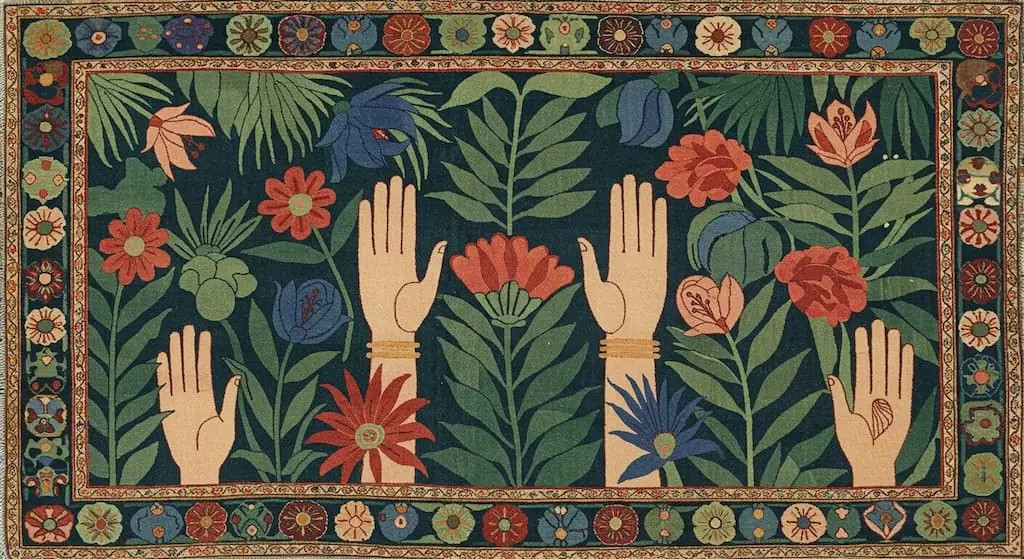
This carpet comes to life. Ten seconds, no app, no account.
- 1Scan the code
- 2Point at the artwork
- 3See it come to life
Try it yourself: open this page on a computer and scan the code there, or show the carpet on any screen and open the AR view.
How it works
Image to augmented reality
Your audience needs no app: a link or QR code opens it in the phone's browser.
- 1
Upload your image
A painting, print, poster, photo or book page.
- 2
Add what plays on it
A video, an animation or a Bridge effect. No code.
- 3
Share it, let people scan
Hang it, print it or post it. People scan it with the app or the browser.
Success stories
What people have brought to life
One real case for every word above, from Artivive Stories.
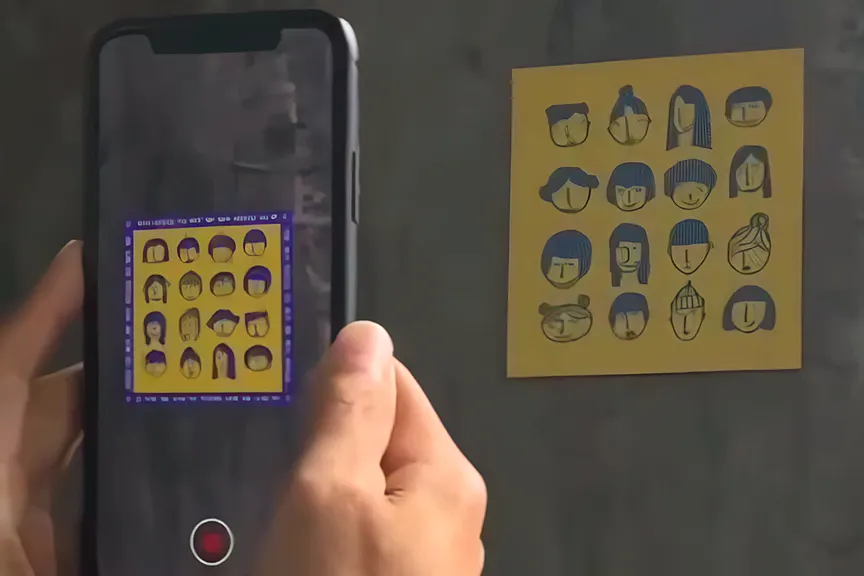
- CreativesWe are unity in art: drawings that come to lifeThrough the phone the sketched faces blink, shift and dissolve into each other while the paper stays exactly as it was drawn.Art We Are Daily, artist. Uniqon.media, client
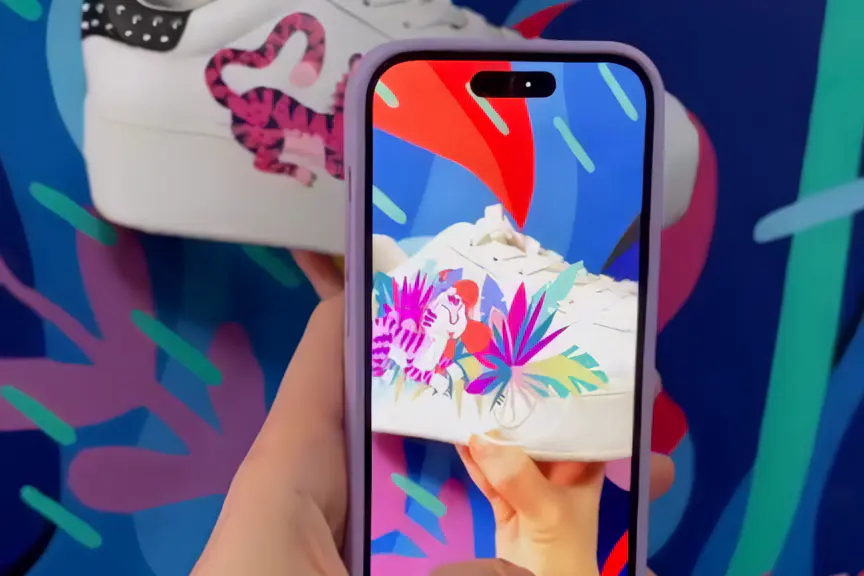
- CreativesAR shoes by SuperamaSuperama painted the design and published the animation through Artivive, and the shoes play it for anyone who scans them.Superama, artist
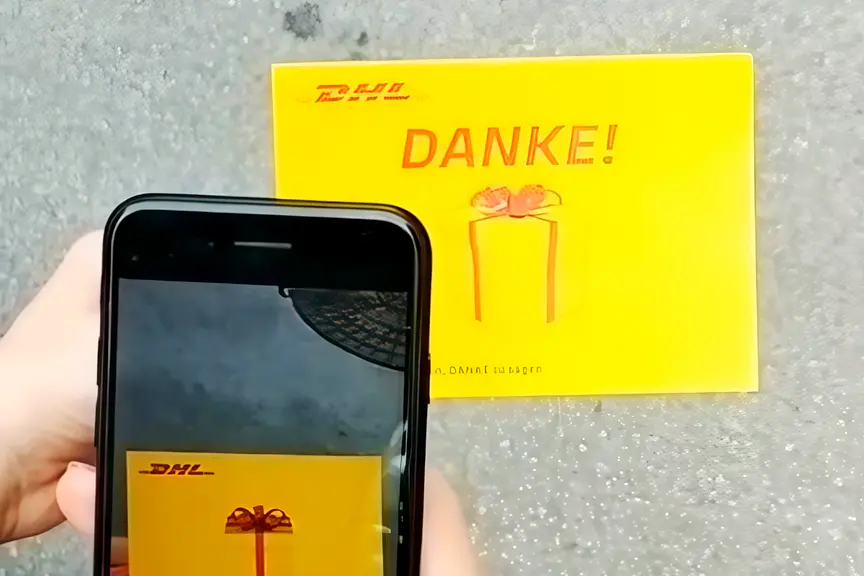
- BusinessDHL says thank you on a postcardReached all 650 DHL Express employees in Austria, including staff who never sit at a computer.Alireza Mokarram, artist. DHL Express Austria, client
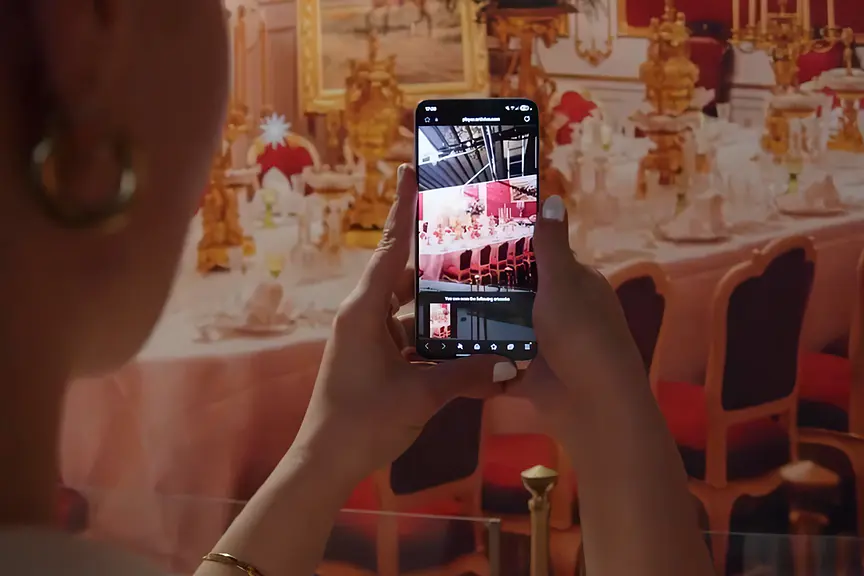
- BusinessDine with Sisi: AR at the Sisi Museum, Vienna50 percent of visitors used the AR experience, a rate the museum reports as far above expectation.Sisi Museum, Hofburg Vienna, client. Stephanie Meisl, artist
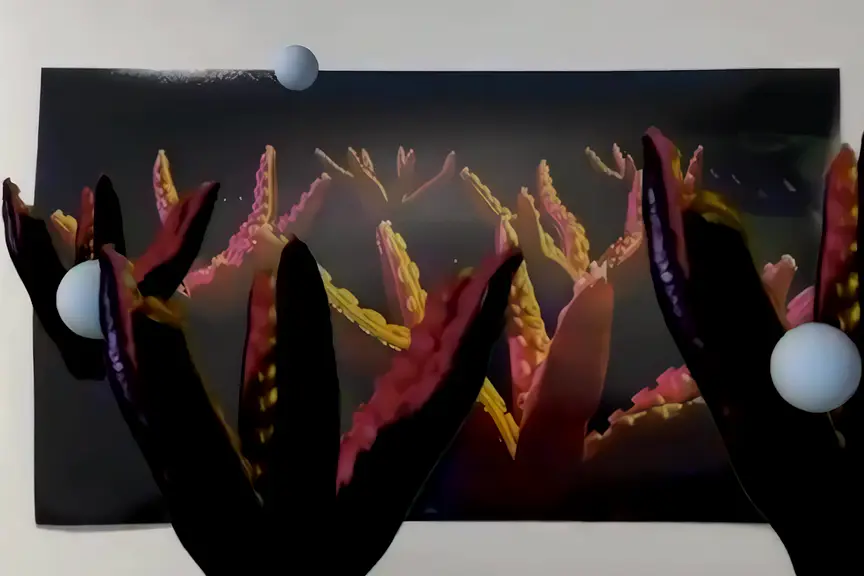
- Educationn[ar]ratives: student AR works at UALStudents from all six UAL colleges produced and exhibited AR works after a two day workshop.Arts Students' Union, University of the Arts London. Curator Sophie Risner, film Zula Rabikowska
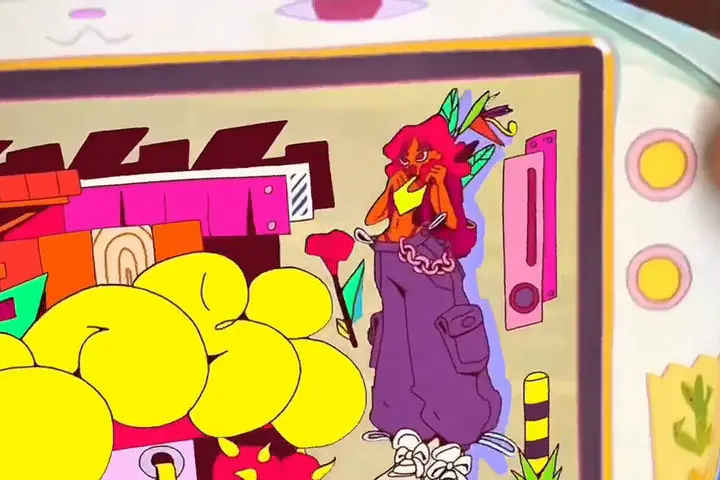
- CreativesPaper Console: a book that playsPrinted pages that turn into animated scenes, with characters, sound and a visual language drawn from the artist's childhood in Caracas.Tamy Hadeed (Uh!Caribe), artist
Every case, with its film: stories.artivive.com
Get inspired
Made to be scanned
Real AR made in Artivive. Each card opens a guide to make your own.
 AR muralsBoris Bare for WWF Adria, Zagreb
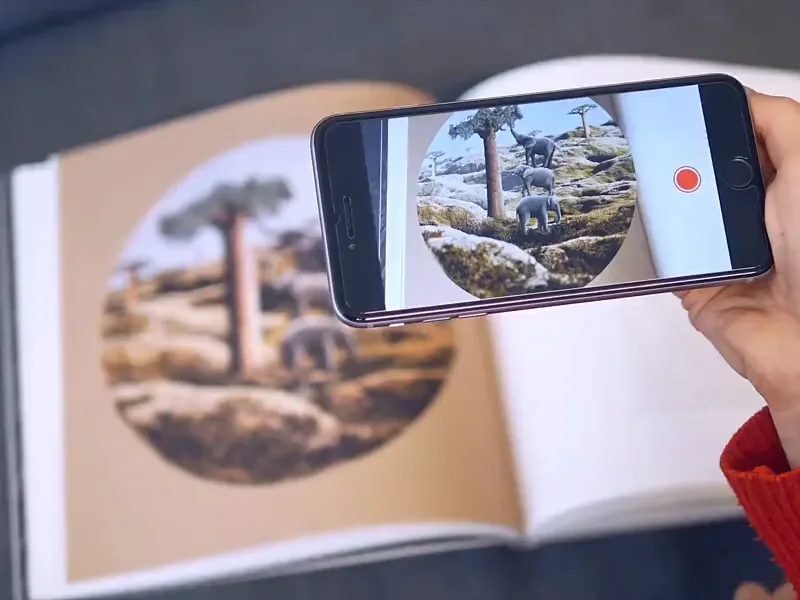
- Books coming to lifeThe Little Prince, illustrated by Eliška Podzimková
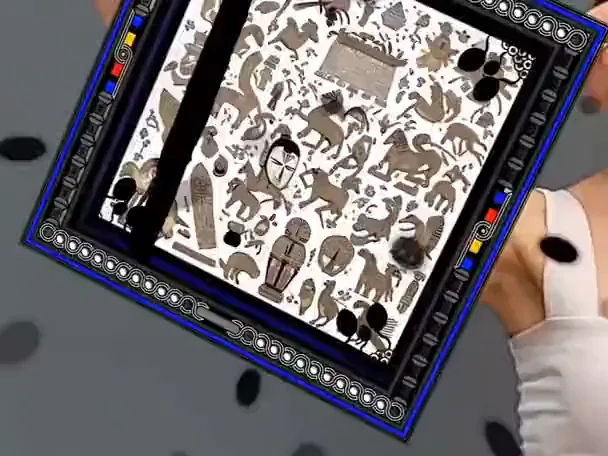
- AR fashionAhmet Rüstem Ekici, AR scarves
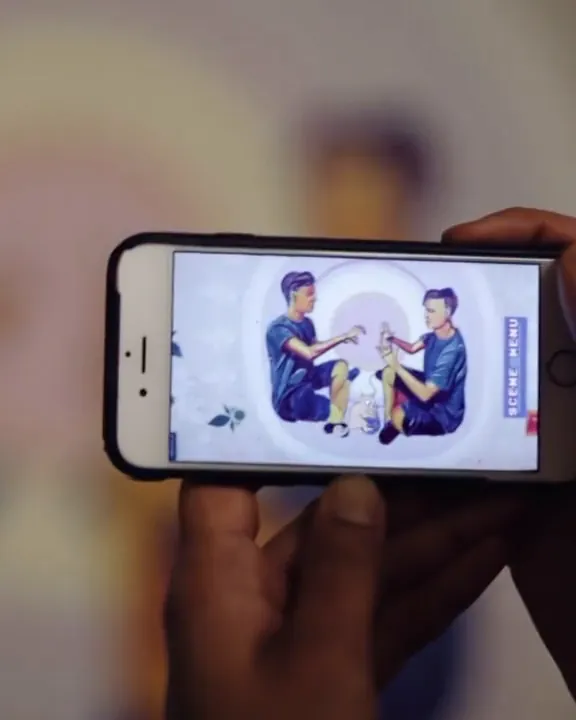 Education and ARThe Borderline Mural Project, MIT
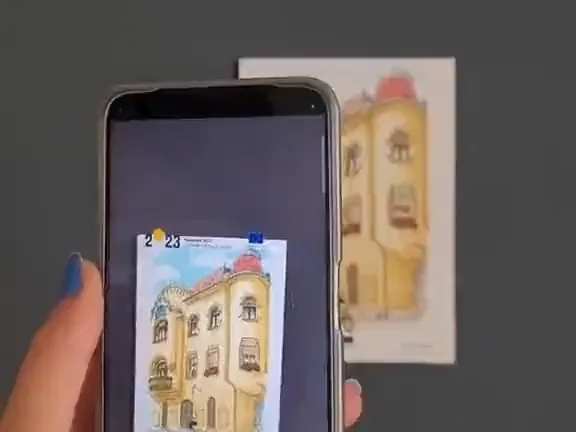
- AR cards and postcardsDan Ungureanu for Timisoara 2023
 Paintings that come to lifeMo Kalache, painting
About Artivive
Still images. Another layer.
Artivive is an augmented reality platform made by Artivive GmbH in Vienna, Austria, since 2017. Add a video, an animation or an effect to an image in Bridge; point a phone at the print and it comes alive, in the app or the browser.
Three ways to use Artivive
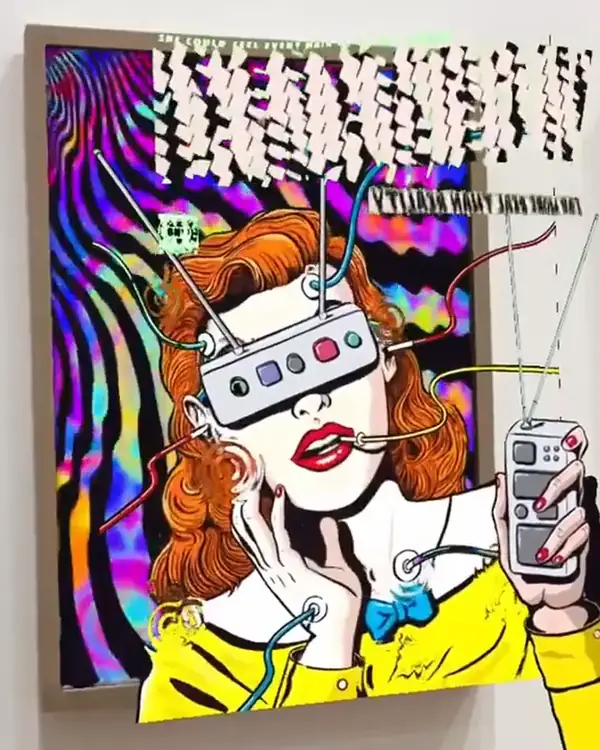
For creatives
Your prints, books and shows, coming to life
Give paintings, prints and photos a layer that comes to life.
Free to start.
Pictured: Michaela Konrad at Albertina Modern
Artivive for creatives
For education
Class projects that come to life
Teachers and students make AR together, signing in with Google or Clever.
Free to try as a teacher.
Pictured: Guillaumit for the Médiathèques de Brest
Artivive in education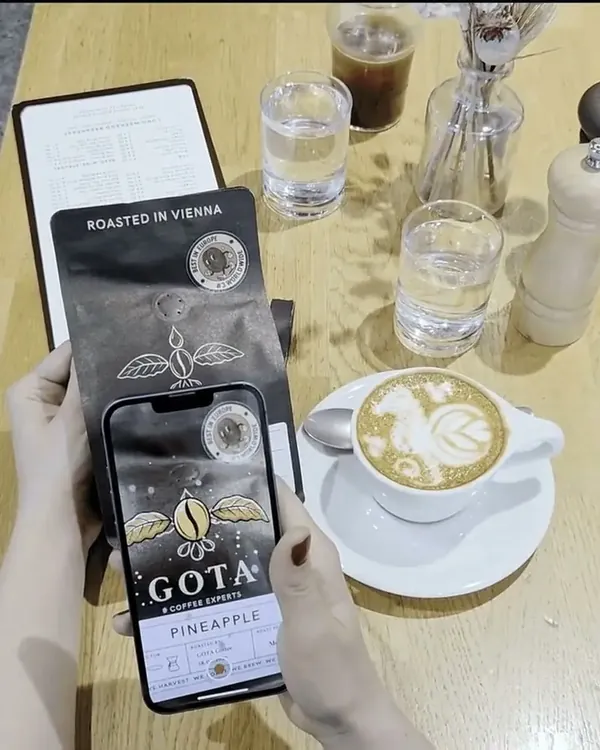
For business
Walls, packaging and campaigns
For museums, hotels and brands: a commercial licence and our team.
Start with a free call.
Pictured: Gota Coffee Experts, Vienna, packaging
Artivive for business
Learn
Learn as you go
Questions people ask first
Is Artivive free?
Yes, to start. The Basic plan is free, with no card: unlimited artworks, 50 views to try it out (lifetime, not monthly), and WebAR with a watermark. Paid plans add monthly views; Pro Plus removes the watermark. See the plans
Do I need 3D or animation skills?
No. Start from any image and a video you already have, even one filmed on your phone, or use one of Bridge's built-in effects. No code either.
What happens after the 50 free views?
You keep all your artworks. Once the views are used, people who scan them see a "Views limit reached" message until you upgrade: Pro has 1,000 views a month. How views work
How does Artivive work?
You upload an image to the Bridge editor and add a video, an animation or one of Bridge's effects on top of it. When someone points a phone at the printed or displayed image, the layer plays over it, in the Artivive app or in the browser with WebAR.
Do viewers need the Artivive app?
No. Viewers can use the free Artivive app for iOS and Android, or open the artwork in their phone's browser with WebAR, from a link or a QR code, with nothing to install. On Free and Pro, WebAR shows a watermark; Pro Plus removes it.
What is WebAR?
WebAR is augmented reality that runs in a mobile browser instead of an app. With Artivive you share a WebAR link or QR code; the viewer opens it, points the camera at your image and sees the animation play on it. Pro Plus puts up to 10 artworks behind one WebAR QR code.
Can I use Artivive in a classroom?
Yes. Students sign up with Google or Clever, and the educational package gives a whole class Pro accounts, from 10 seats. The educational package


Start free
Bring your ideas to life
Your first AR artwork in about two minutes. No code.
“Artivive perfectly translates this combination of media and brings my art to full expression.”
 Sissa Micheli Visual artist and photographer